

Guide to uploading your V5C
How to upload your V5C document for your Crit’Air sticker application
You must upload a photo of your V5C document (vehicle registration certificate) as part of the order process. Here’s a guide to help you do so correctly.
Our website simplifies the upload process – you can upload 4 photos of up to 20MB each when you place your order with us. This avoids errors commonly found with other websites.
We will check your V5C photo. If we require further information or if the image is unclear we will get in touch within 24 hours.
With our easy-to-use order page, all you need to do is upload an image. There’s no need to enter any other details about your vehicle – we’ll process your order with just your V5C.
Getting this error message when uploading your V5C on other websites?
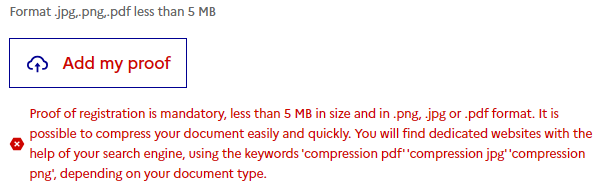
You won’t get this on our website. We allow files up to 20MB and in a wide range of formats. No need to resize or compress them, just upload the original image and we’ll process your order.

What is a V5C?
The V5C, also known as the vehicle logbook, is issued by the DVLA and details important information about your vehicle, including the make, model, and emissions standards.
The V5C also records the Registered Keeper of the vehicle and you will have received it when buying your car.
Prior to 2012 the logbook was blue. Since then they are red. The logbook is a 4-page document.
Front cover of the V5C Vehicle Registration Document:
April 2019 onwards:

Prior to April 2019:
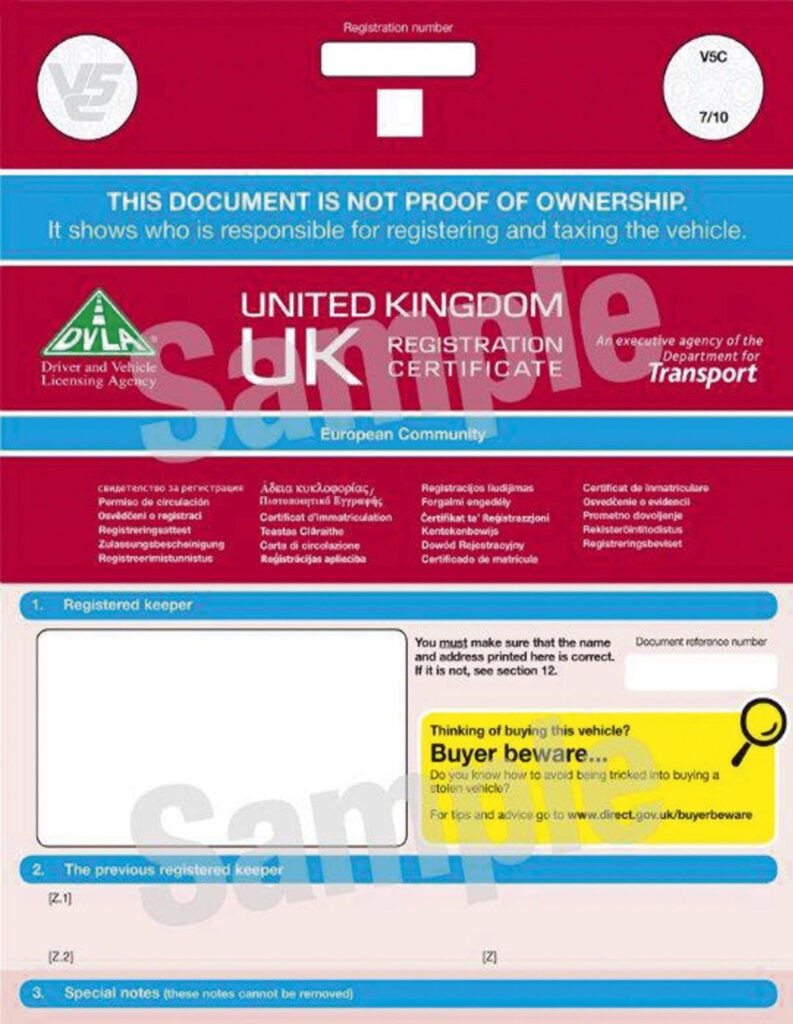
Inside page of the V5C Vehicle Registration Document:

Steps to upload your V5C
- Prepare your document: Ensure the V5C is clean and flat.
- Take a photo: Use your phone, a camera or scan it. We only need a photo of the inside page but you may include a photo of the front cover too if you’d like. We allow up to three images to be uploaded.
Important: Ensure the section with the “VIN/Chassis/Frame No.” is clearly visible. - Go to the Order page
- Upload the image: Follow the instructions to upload your V5C photo. Click the button to upload a photo or drag and drop the photo into the box.
- Pay for your Crit’Air sticker: Enter your payment details at checkout.
Once ordered you’ll receive a digital version of the Crit’Air sticker, usually within 48 hours. You’ll receive the physical copy by post, usually within 2 weeks.
If you have any issues, please contact us via email or WhatsApp.
Tips for taking the perfect photo
- Ensure all text is readable and blur-free.
- Capture the entire page, ideally with all four corners visible.
- Use natural light or a well-lit room to avoid shadows.
- Use a high-quality camera or smartphone.
Leasing a car and don't have a V5C?
If you lease your car you may not have a V5C.
Don’t worry – simply upload your VE103B (Vehicle on Hire Certificate) instead.